A quiet update that suddenly raised the bar
A quiet update that suddenly raised the bar
Hey guys, so quick question before we even start… when did our apps suddenly start looking like glass that just came out of a luxury showroom, and why does mine still look like it’s stuck in 2021 trying its best.
Yeah… today we’re talking about Liquid Glass, the new UI move from Apple Inc. that’s quietly changing how apps look and feel across iOS, and what that actually means for designers everywhere. Because on one hand it looks smooth, futuristic, and honestly kind of addictive to look at, and on the other hand it has a lot of us staring at our designs like… so what exactly are we supposed to do now
Hey guys, so quick question before we even start… when did our apps suddenly start looking like glass that just came out of a luxury showroom, and why does mine still look like it’s stuck in 2021 trying its best.
Yeah… today we’re talking about Liquid Glass, the new UI move from Apple Inc. that’s quietly changing how apps look and feel across iOS, and what that actually means for designers everywhere. Because on one hand it looks smooth, futuristic, and honestly kind of addictive to look at, and on the other hand it has a lot of us staring at our designs like… so what exactly are we supposed to do now
Not just a style this is Apple setting the rules again
Not just a style this is Apple setting the rules again
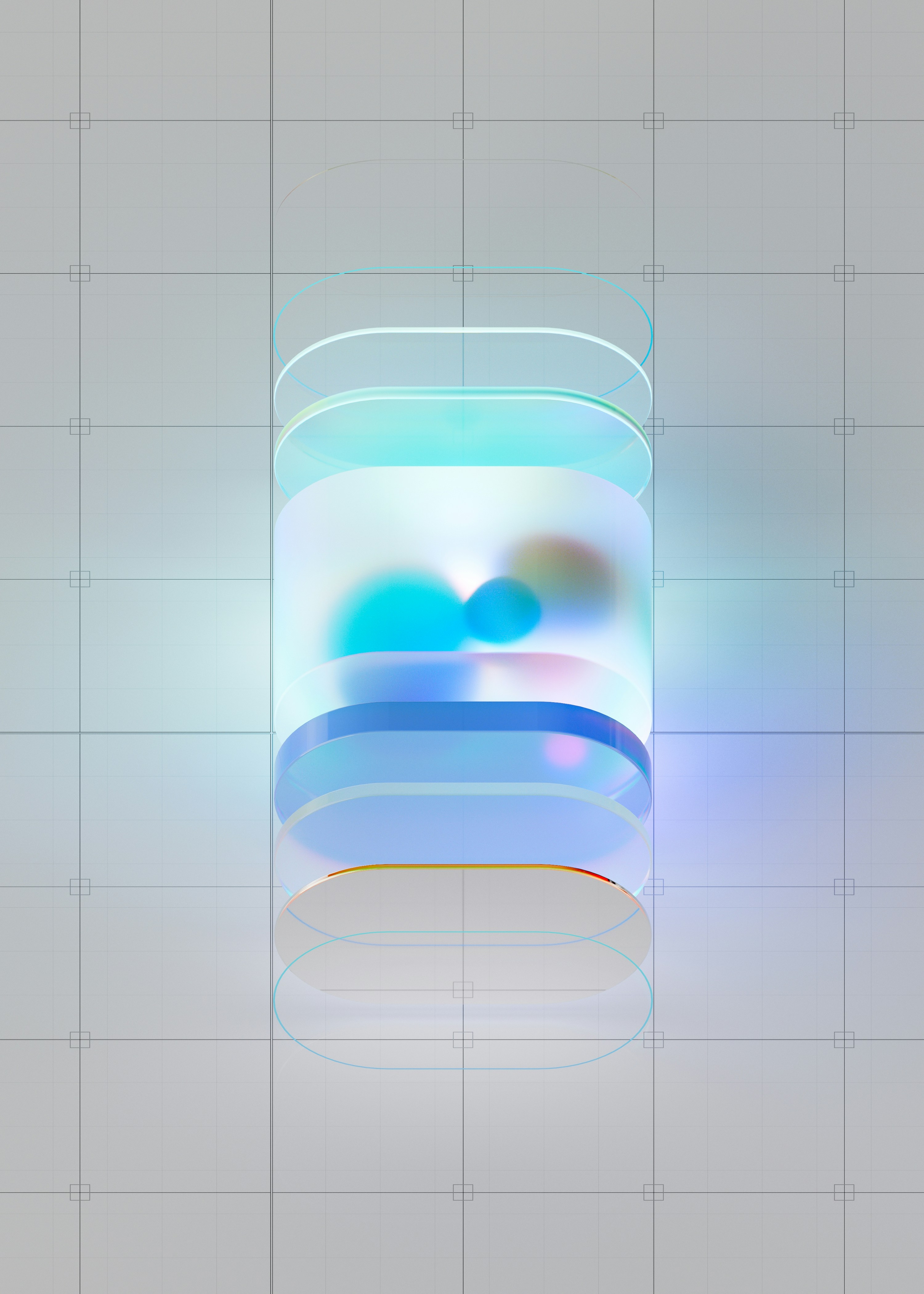
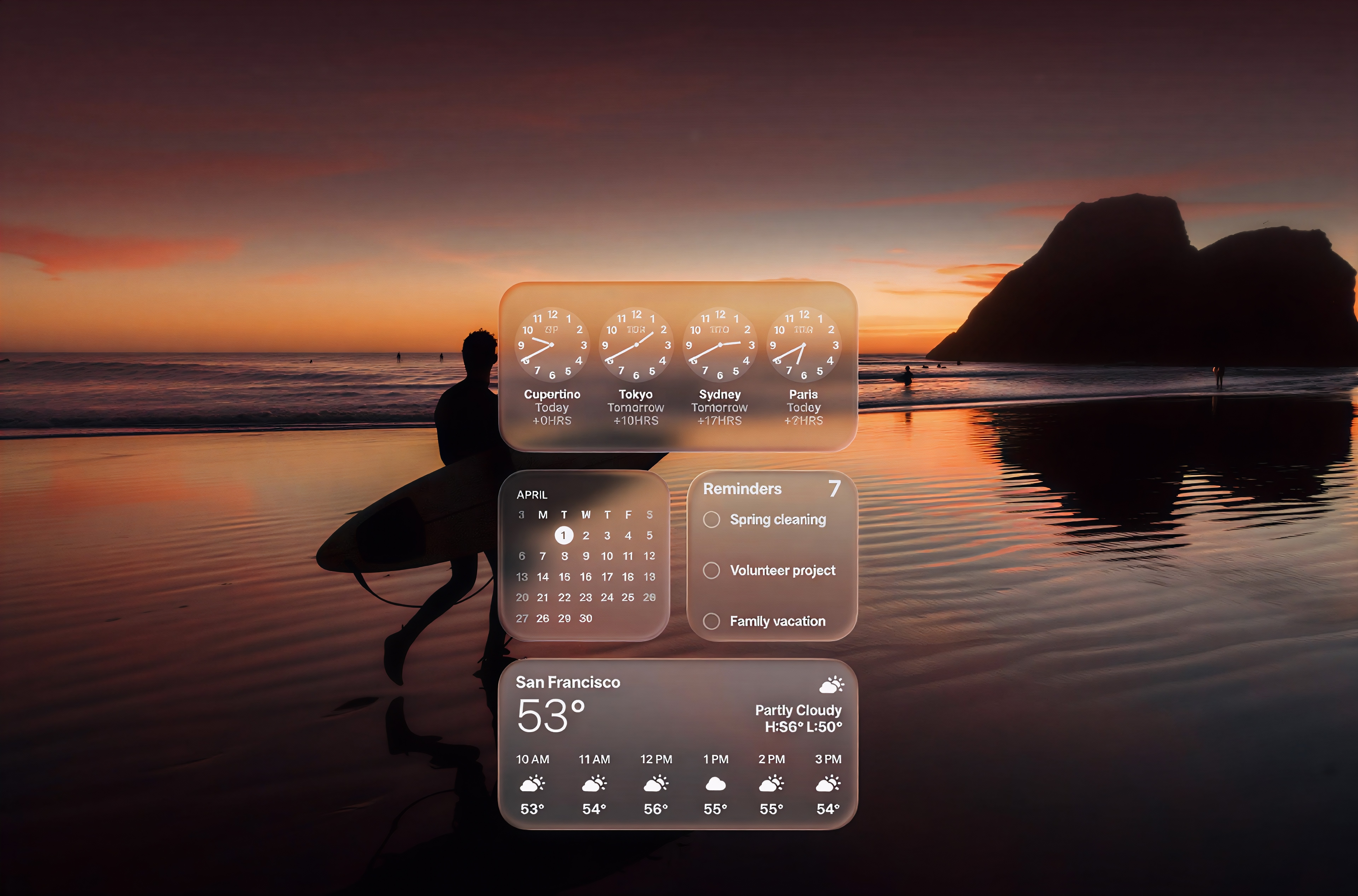
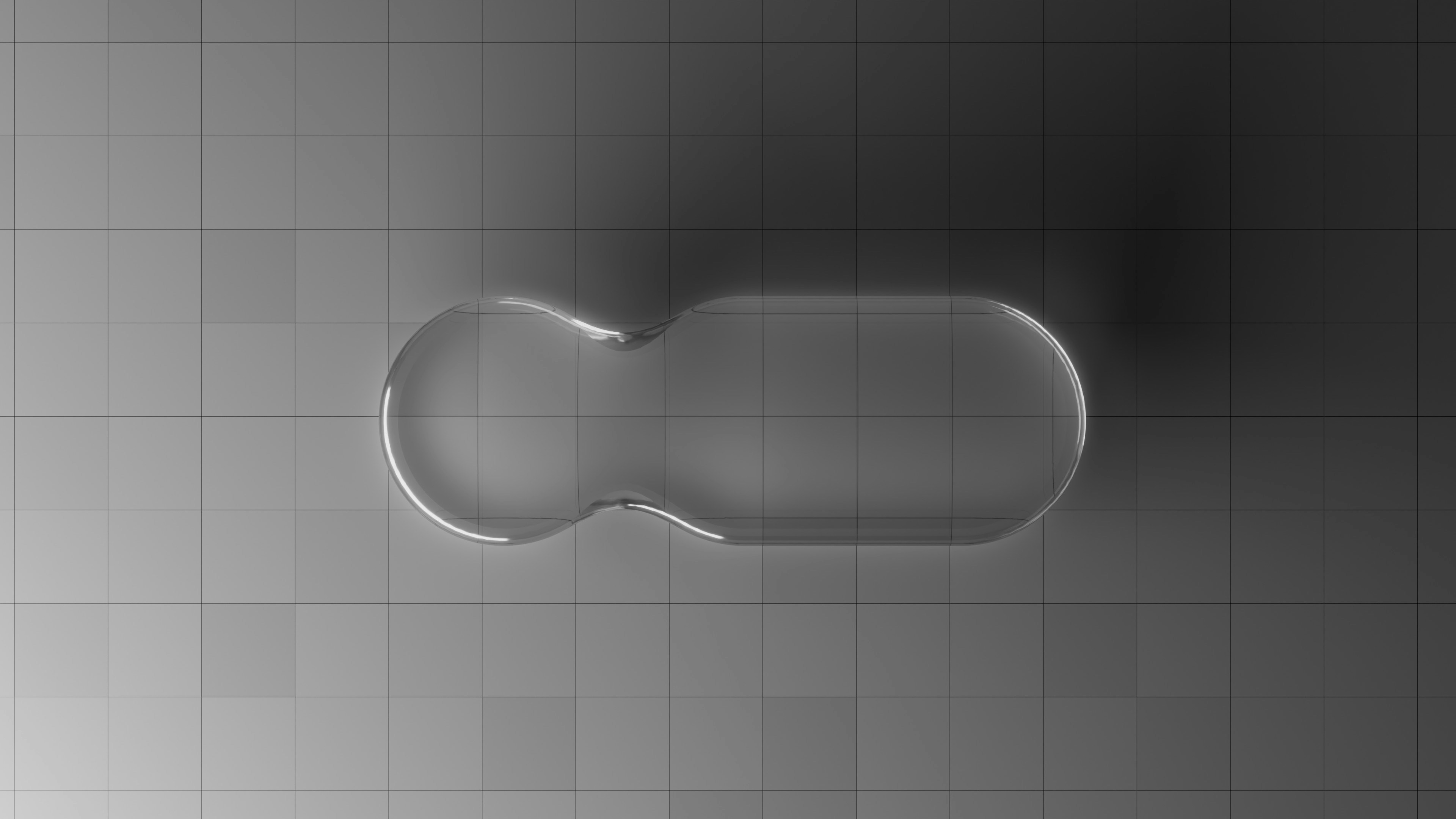
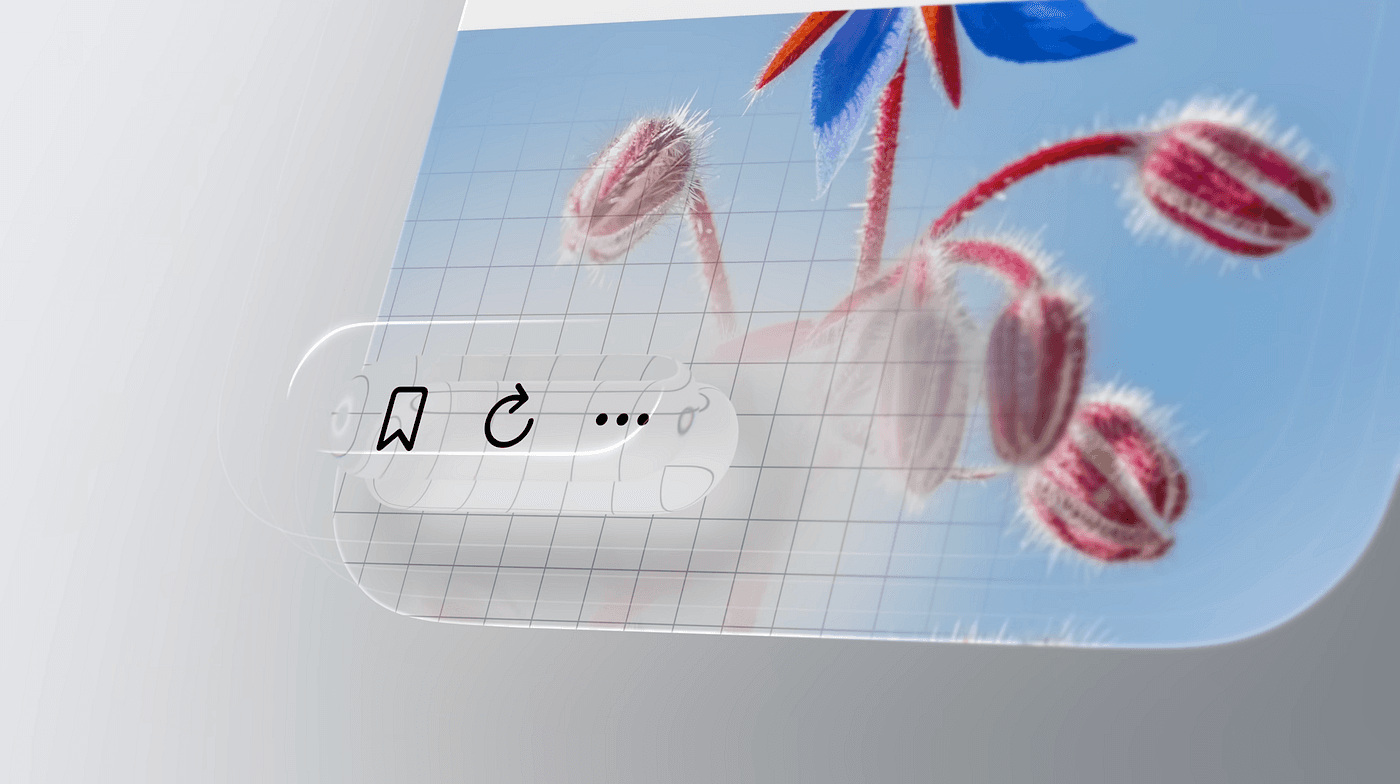
First of all Liquid Glass is basically a visual design style introduced by Apple Inc. across its iOS ecosystem that gives interfaces this glossy, translucent, almost is this glass or is this water kind of look. Think blurred backgrounds, layered transparency, smooth reflections, and animations that feel like elements are literally melting or merging into each other. It builds on stuff we’ve already seen like glassmorphism, but Apple is doing it in a more controlled, system level way so it feels less like a random design experiment and more like this is now your reality. The whole idea is depth, fluidity, and making the UI feel alive instead of just flat boxes sitting there doing nothing.
First of all Liquid Glass is basically a visual design style introduced by Apple Inc. across its iOS ecosystem that gives interfaces this glossy, translucent, almost is this glass or is this water kind of look. Think blurred backgrounds, layered transparency, smooth reflections, and animations that feel like elements are literally melting or merging into each other. It builds on stuff we’ve already seen like glassmorphism, but Apple is doing it in a more controlled, system level way so it feels less like a random design experiment and more like this is now your reality. The whole idea is depth, fluidity, and making the UI feel alive instead of just flat boxes sitting there doing nothing.
If you built native you are smiling right now
If you built native you are smiling right now
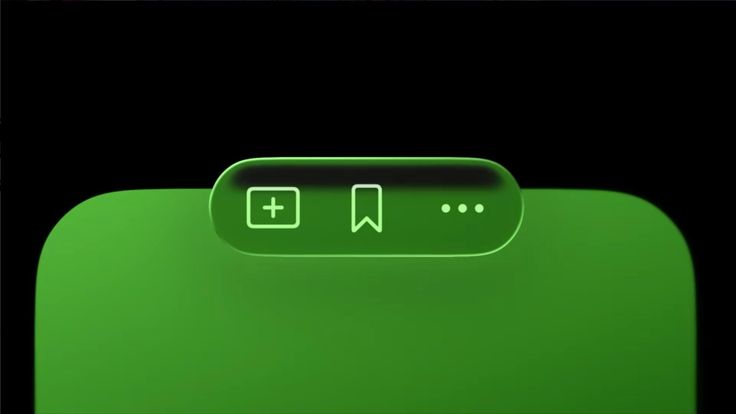
Now here’s where things get a little tense. What does this mean for designers and developers building apps for Apple devices Do we all need to panic, delete our Figma files, and start over like it’s the end of the world The answer is yes and no. If you’re building with SwiftUI which is Apple’s modern UI framework for creating interfaces across iOS, iPadOS, and macOS then congratulations your app is basically first in line for a glow up. Apple usually bakes these new visual styles directly into their system components so things like buttons, modals, and navigation bars get updated automatically. You open your app and suddenly it looks way more polished without you doing much.
But if you’re not building natively then we need to talk. If your app is built with custom rendering or cross platform tools that do not automatically inherit Apple’s UI updates then you might not get that Liquid Glass effect for free. That does not mean you should throw everything away immediately. It just means you now have a decision to make. Do you adapt to match the evolving Apple ecosystem or do you intentionally stay different Some apps are completely fine staying different. Apps like Instagram or Spotify have strong and recognizable design systems across their icons, colors, and layouts that users already love. People are not opening those apps thinking about glossy reflections. They care more about familiarity and consistency.
Now here’s where things get a little tense. What does this mean for designers and developers building apps for Apple devices Do we all need to panic, delete our Figma files, and start over like it’s the end of the world The answer is yes and no. If you’re building with SwiftUI which is Apple’s modern UI framework for creating interfaces across iOS, iPadOS, and macOS then congratulations your app is basically first in line for a glow up. Apple usually bakes these new visual styles directly into their system components so things like buttons, modals, and navigation bars get updated automatically. You open your app and suddenly it looks way more polished without you doing much.
But if you’re not building natively then we need to talk. If your app is built with custom rendering or cross platform tools that do not automatically inherit Apple’s UI updates then you might not get that Liquid Glass effect for free. That does not mean you should throw everything away immediately. It just means you now have a decision to make. Do you adapt to match the evolving Apple ecosystem or do you intentionally stay different Some apps are completely fine staying different. Apps like Instagram or Spotify have strong and recognizable design systems across their icons, colors, and layouts that users already love. People are not opening those apps thinking about glossy reflections. They care more about familiarity and consistency.
If you did not now you have decisions to make
If you did not now you have decisions to make
But this is where it gets interesting. Design is influenced by what people get used to. If users start interacting with fluid and glossy interfaces across their phone their expectations will start to change. Your app might begin to feel outdated even if it still works perfectly. That does not mean you need to fully redesign everything. You can adopt it in small ways. Maybe you update your icons, maybe you introduce subtle transparency in certain areas, or refine your motion to feel smoother. The goal is not to copy Apple but to stay comfortable within the environment your app exists in.
But this is where it gets interesting. Design is influenced by what people get used to. If users start interacting with fluid and glossy interfaces across their phone their expectations will start to change. Your app might begin to feel outdated even if it still works perfectly. That does not mean you need to fully redesign everything. You can adopt it in small ways. Maybe you update your icons, maybe you introduce subtle transparency in certain areas, or refine your motion to feel smoother. The goal is not to copy Apple but to stay comfortable within the environment your app exists in.
So at the end of the day this whole Liquid Glass situation comes down to who you are designing for. If your users are deep in the Apple ecosystem and expect that polished native feel then it makes sense to lean into it. But if your brand identity is strong and your users value that consistency then you do not have to abandon everything. The real shift here is not just visual it is strategic. Designers now have to decide early if they are building for the system or building their own system. Because things are changing fast and your UI can either evolve with it or start to feel like it is being left behind.
So at the end of the day this whole Liquid Glass situation comes down to who you are designing for. If your users are deep in the Apple ecosystem and expect that polished native feel then it makes sense to lean into it. But if your brand identity is strong and your users value that consistency then you do not have to abandon everything. The real shift here is not just visual it is strategic. Designers now have to decide early if they are building for the system or building their own system. Because things are changing fast and your UI can either evolve with it or start to feel like it is being left behind.